Airtable base template with Custom QR Code Scanning link
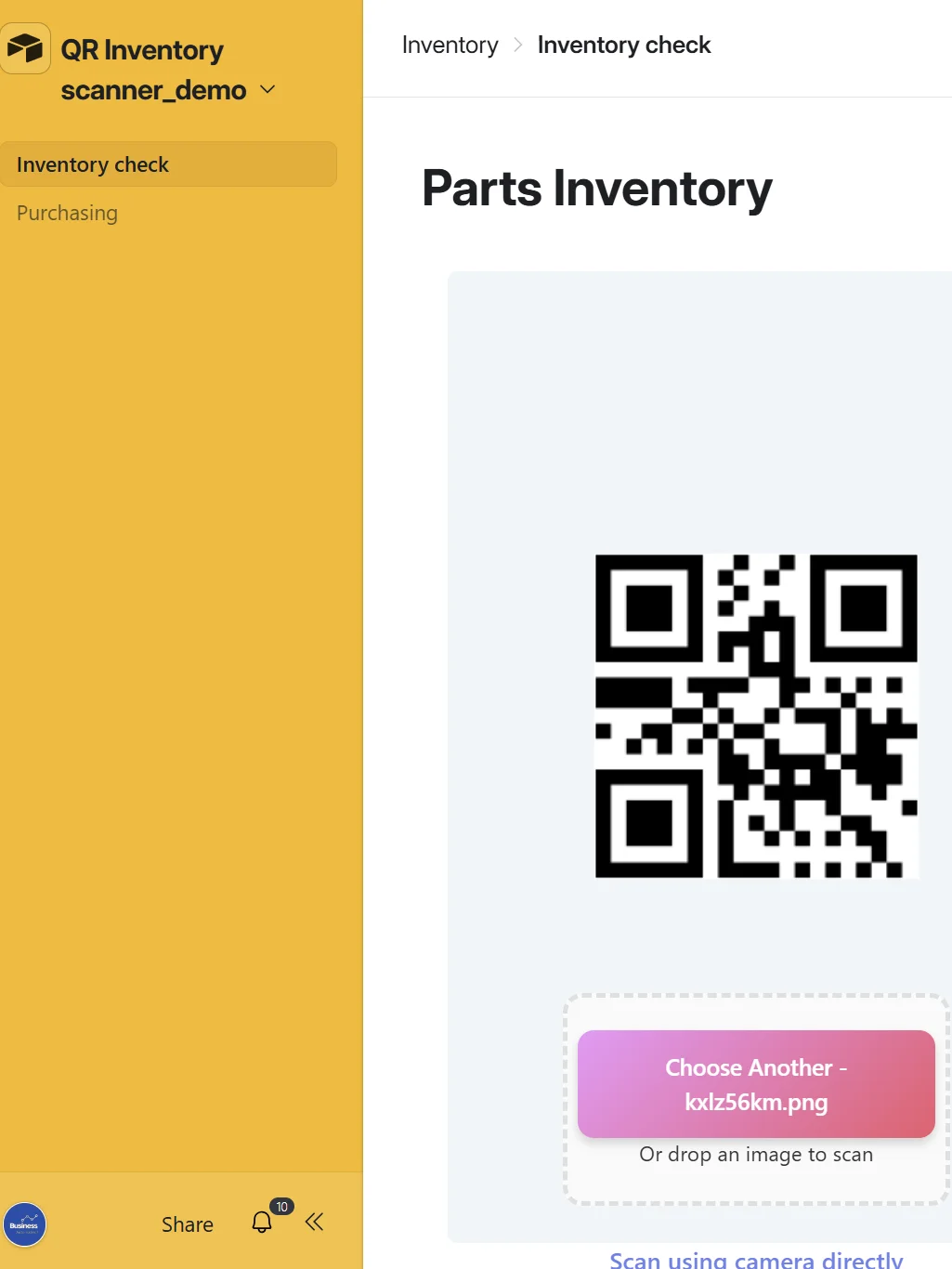
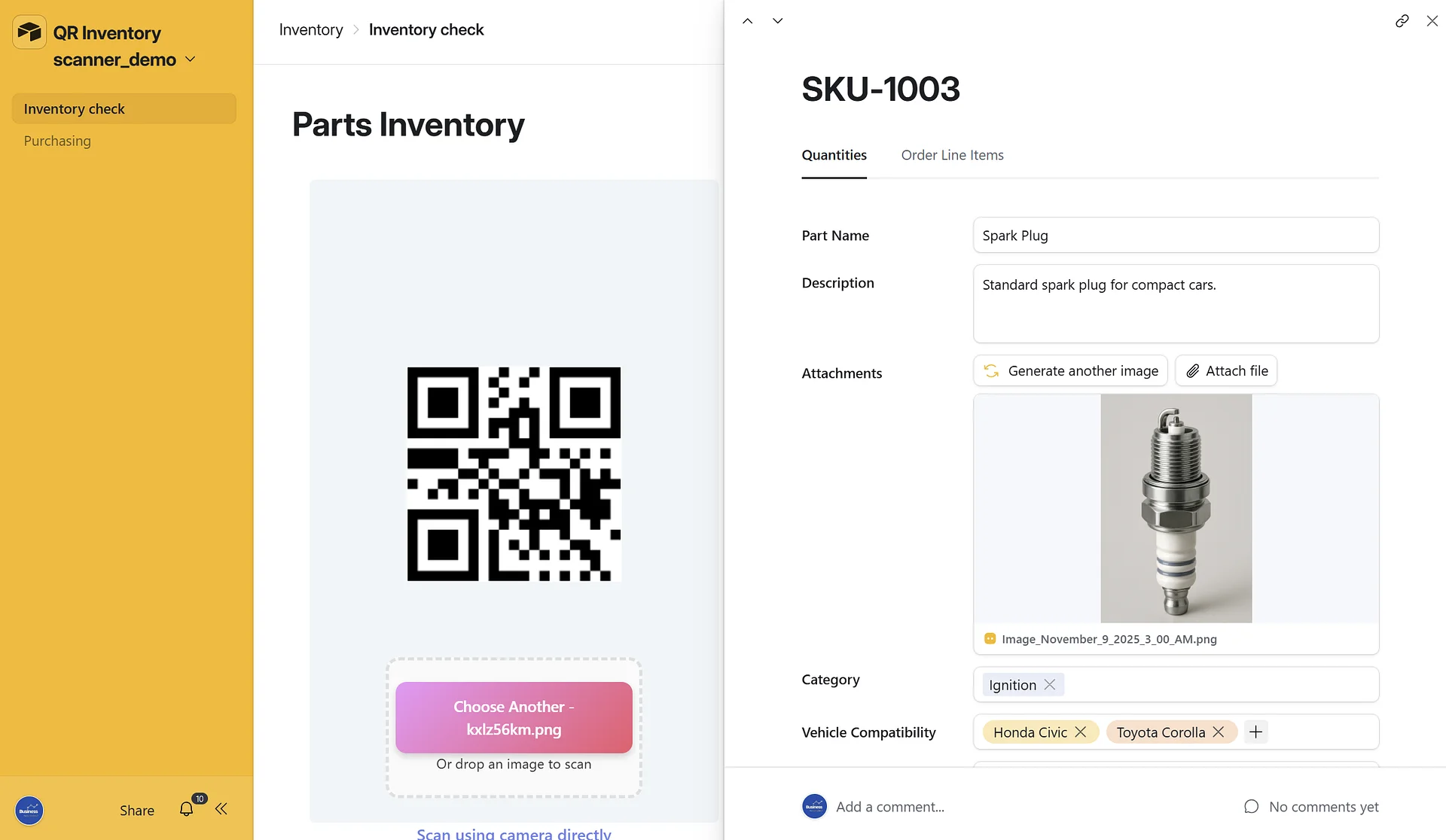
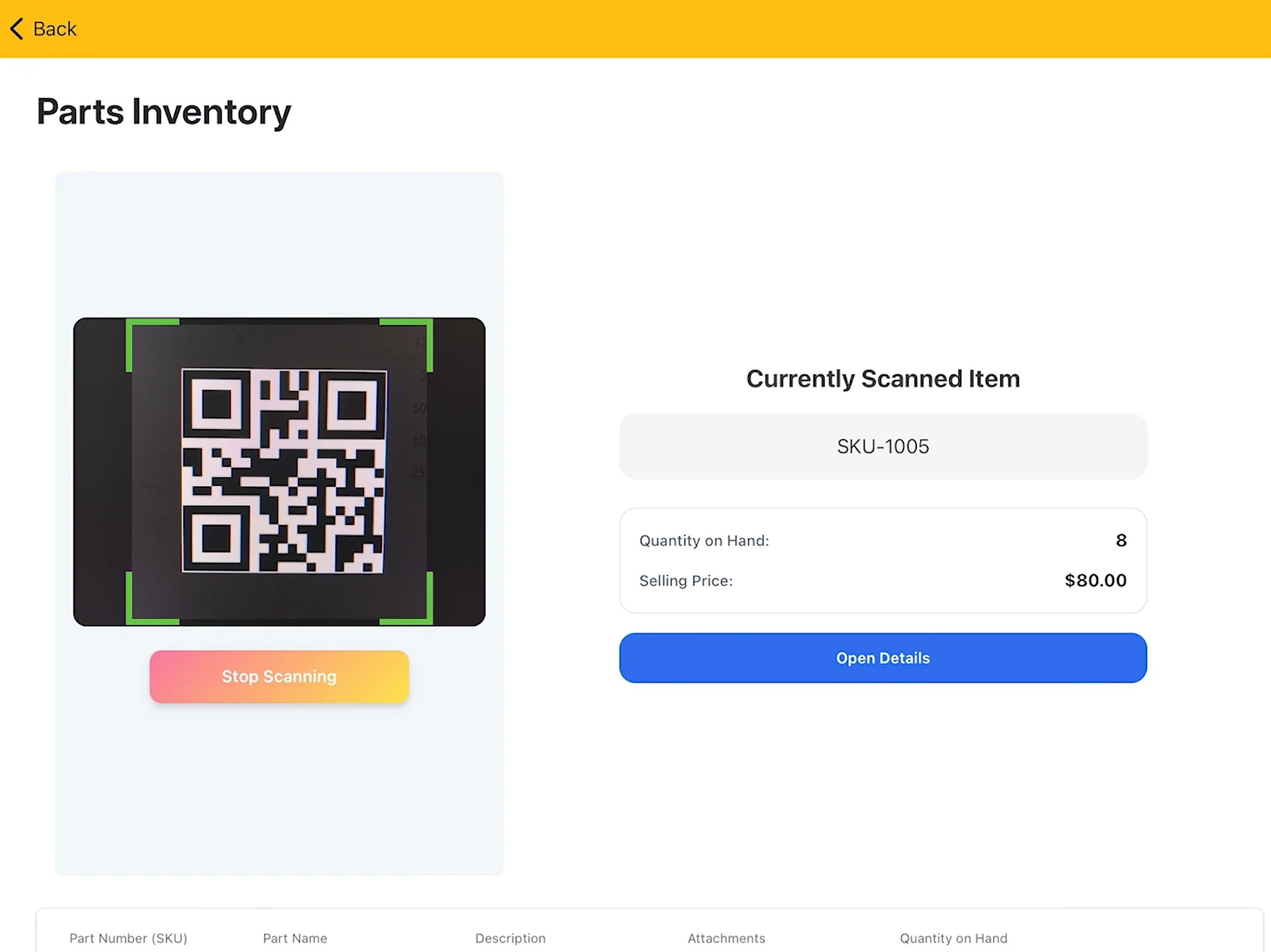
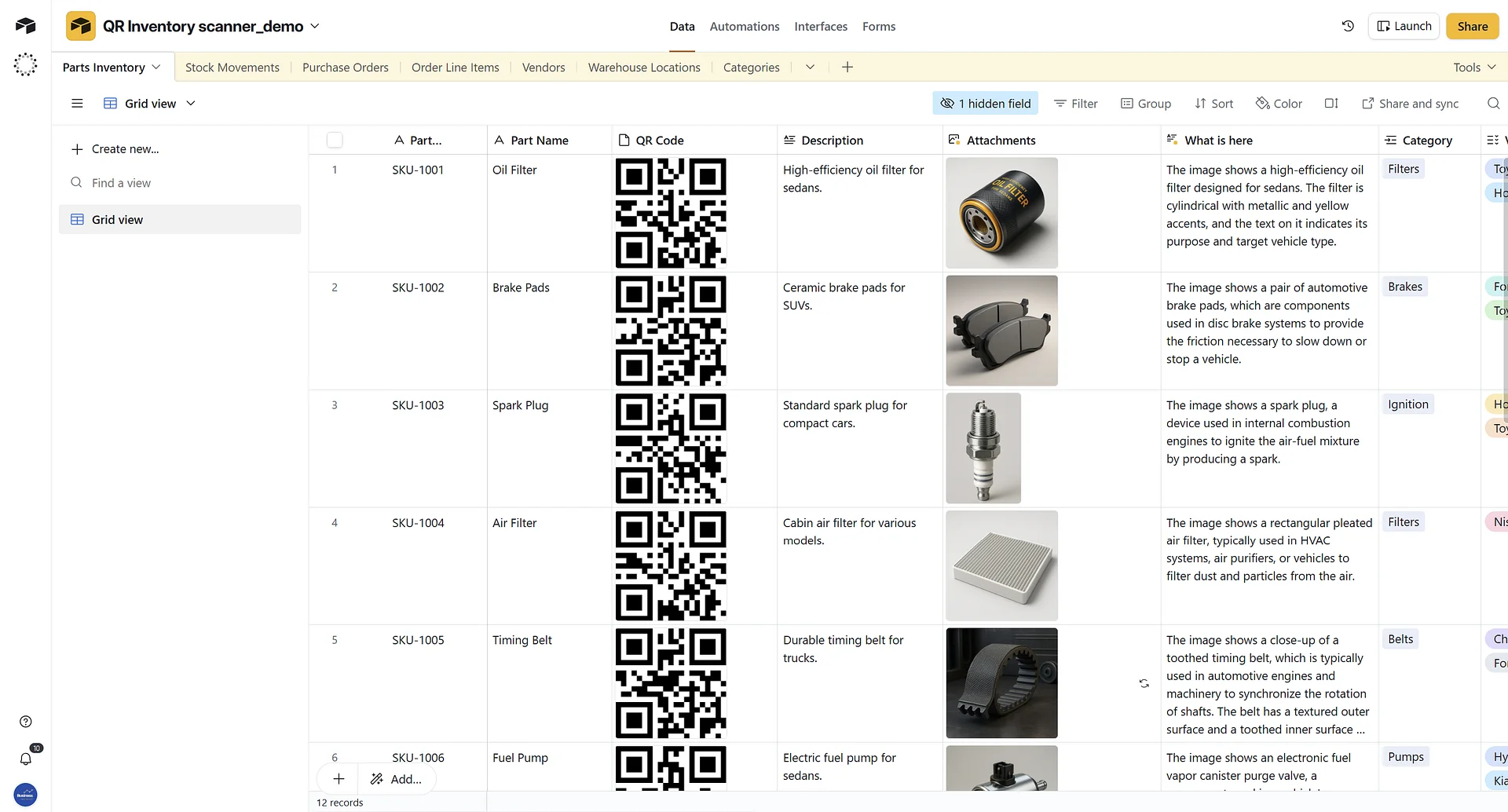
This Airtable base template is provided as a practical example of how to implement a QR code–based inventory scanning system using Airtable’s new (public beta) custom interface capabilities. It includes preconfigured tables for inventory, stock movement, purchase orders, vendors and line items—designed to support workflows where each part is assigned an SKU and scanned directly via a custom interface extension.
Contains:
- Link to the base
- Basic Inventory tracking base
- Custom Interface page with built in custom QR scanner
Since currently custom interfaces cannot be shared via a link this is workaround that allows you to test ot the QR code interface, by copying existing base with interface. You will not be able to move the cutom element to another base, but you can use this base as a starter for your project.
Watch the full walkthrough below:
https://youtu.be/ua-YK86_Bm8
Please note:
The small fee charged for this template is simply a way to support the creator. It does not guarantee that the template will continue to work exactly as intended, nor that Airtable will not introduce breaking changes in the future. However, if you are not satisfied or it doesn't meet your expectations, you are always welcome to request a refund—no questions asked.
Use it as inspiration, adapt it to your needs, or contact Business Automated (https://business-automated.com/) if you'd like a custom-built interface tailored to your business.